Instruction
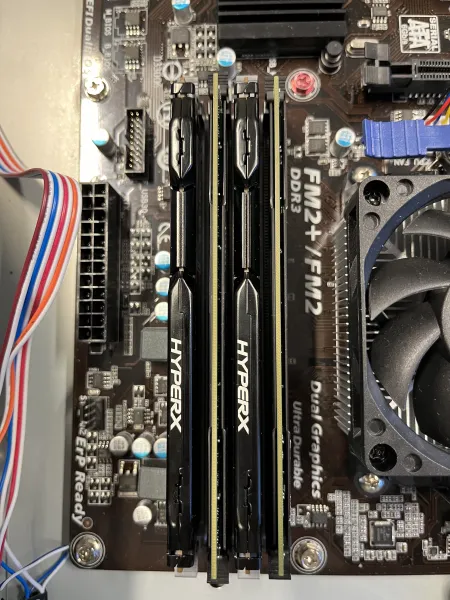
Step 1: Insert RAM
Ensure the clips are open, then firmly press the RAM sticks into place until you hear a click.

Step 2: Connect Audio Cable
Attach the audio cable, usually located at the top of the motherboard.

Step 3: Connect Power Switch Cables
Match the colored cables to their corresponding slots. For uncolored cables, refer to the motherboard manual.

Step 4.1: Connect SATA Cables
Attach SATA cables to your hard drive and DVD drive.

Step 4.2: Connect SATA Cables
Connect them to the motherboard's SATA ports.

Step 5.1: Install PSU
Secure the PSU with screws.

Step 5.2: Install PSU
Connect it to the motherboard using the 8-pin ATX cable.

Step 6.1: Final Connections
Connect all remaining cables, including SATA power and 24-pin ATX cables.

Step 6.2: Final Connections
To the appropriate components.
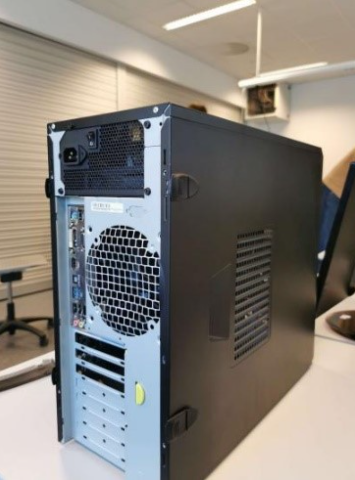
Step 7: Close the Case
Seal the case securely, either by screws or clips, depending on your case design. Test your PC to ensure it works.